How To Use Bleequp Ranger For Better Sports Videos
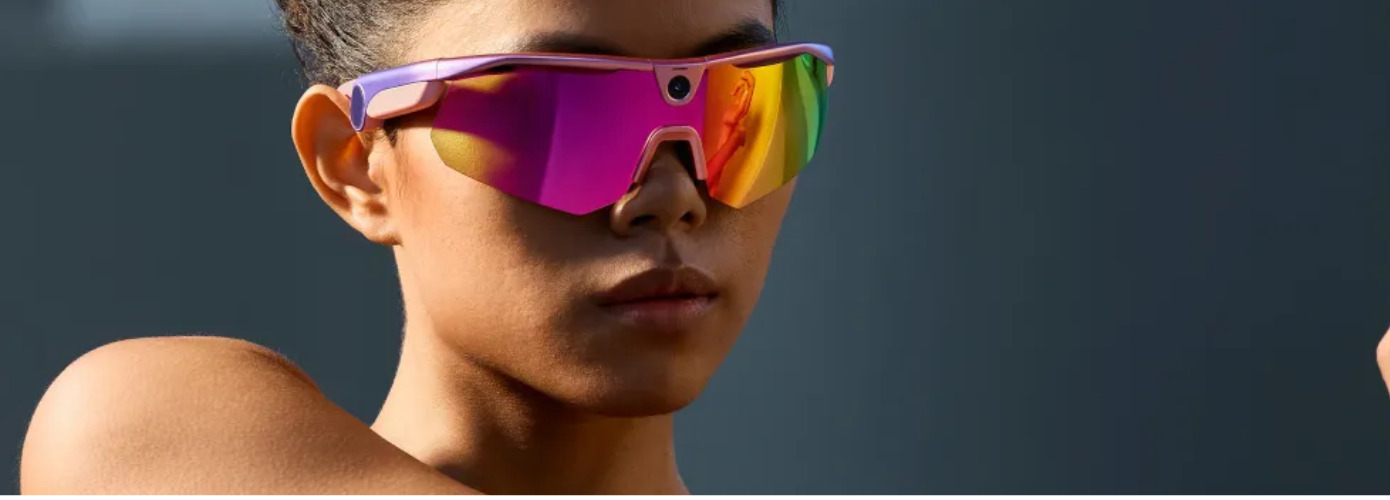
Bleequp Ranger can record sports footage without forcing you to hold a phone or manage a separate camera mount. Good results still depend on how the glasses fit, where you look, and when you start recording.
This guide covers practical ways to improve framing, reduce distracting movement, manage recording time, and create clips that are easier to edit after an activity.
Get The Camera Angle Right Before The Activity Begins
Sports glasses follow every movement of your head. A frame that sits slightly too high or low can change the entire view, especially during cycling, running, or hiking.
BleeqUp Ranger weighs 49 grams and uses a TR90 frame with a three way adjustable non-slip nosepad. The fit should feel secure without pressure. If the frame keeps sliding, footage can gradually shift away from the action even when the camera was positioned correctly at the start.
Test The View In Your Real Sports Position
Stand and record a short test clip. Repeat the test while performing your normal activity. Get the angle right. It may appear OK standing, but as the ride starts, the camera may be pointing too low. Cyclists should lean forward over the handlebars.
BleeqUp support also provides a Road Cycling View setting for people who need to adjust footage for a forward leaning position. Checking a ten second clip before leaving is far easier than discovering later that an entire session mostly shows the road.
Match The Lenses To The Conditions Ahead
ZEISS lenses are intended to support clearer vision and reduce glare during outdoor movement. Good visibility can also influence camera movement because people often make sudden head turns when glare or changing light makes the route harder to read.
Check the weather and the type of terrain before recording. A comfortable view can help promote a smoother scan through corners and obstructions, which can make first person footage simpler to follow.
Record The Moments That Are Actually Worth Keeping
Continuous footage often creates a different problem from missed footage. Long files contain quiet stretches that take time to review and use battery without adding much to the final video.
Bleequp Smart Glasses support a 120 degree field of view along with landscape, portrait, and loop recording. Choose the format before an important section begins. Changing settings repeatedly during movement can distract from the activity and cause better moments to pass unnoticed.
Start Recording Before The Action Begins
The most interesting second is not the time to start the camera. Start just a touch before each clip provides context Cycling film may open before a downhill or a turn, hiking footage when a trail opens toward a vantage point.
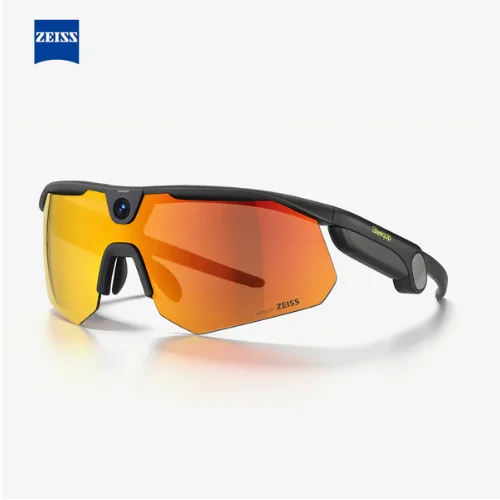
A good clip frequently consists of three simple parts: Get the approach, let the main action happen, then keep filming a second or two after it is over. That leads naturally forward and gives the editing tools more to work with than a sudden burst of action.
Loop recording can help during unpredictable activities. The camera continues recording while important moments can be saved from being overwritten, reducing the need to guess exactly when something interesting will happen.
Reduce Unnecessary Shake On Rough Terrain
Electronic stabilization can soften some movement, but sharp head turns still affect first person footage. People discussing BleeqUp Ranger on Reddit have paid particular attention to stabilization and how intense movement appears in real recordings.
The practical lesson is a simple one. Watch a turn, don’t whip your head at it. If you can, try to keep your eyes a little ahead, and then work your way slowly toward the next area of interest.
This technique gives the camera a clearer path through the scene. Stabilization has less work to do, and the finished footage feels more intentional instead of reacting to every sound, object, or movement nearby.
Make One Hour Of Recording Time Last Longer
Bleequp Ranger provides about one hour of continuous video recording from the built in battery. Longer activities therefore need some planning, particularly when the most interesting section happens near the end.
Save continuous recording for unpredictable parts of a session. During calmer stretches, shorter clips can preserve battery and reduce the amount of footage waiting to be reviewed later.
The optional Power Plus battery can extend recording time for longer outings. Even with additional power, selective filming remains useful because five hours of footage can create a much bigger editing job than a collection of purposeful scenes.
Fix Small Problems Before They Ruin A Full Session
Most unsatisfactory sports footage stems from basic issues that might be recognised before the activity began. A short process can save you from bad framing, missing files, weak battery life, and footage recorded in the wrong format.
Clean the camera area and lenses before recording
Try the view in your real action stance.
Select portrait or landscape mode in advance.
Check battery and storage space before you go.
Record shorter scenes during longer sessions
Move your head gradually during fast action
Confirm app settings and phone compatibility early
Open ear audio allows you to hear the sounds around you and sound plays through the glasses. Being vigilant outdoors still counts, therefore volume should never make it difficult to hear traffic, people, warnings or changing conditions.
Common Questions
Can BleeqUp Ranger Record Without A Phone Nearby?
Yes. You can take photos, videos and flagged highlights without having to keep a phone handy. Full audio features and file management still require a connection to work.
How Long Can BleeqUp Ranger Record Video?
The built-in battery supports about one hour of continuous recording. People planning longer sessions can record selectively or use the optional external battery for additional time.
Why Does My Sports Footage Point Too Low?
The posture might vary the angle of the camera. The forward lean of cyclists can reduce the recorded view. Try the glasses in the same position used throughout the exercise and change the available cycling view setting if necessary.
Better sports footage with BleeqUp Ranger comes from preparation rather than endless recording. Fit the glasses securely, test the real camera angle, capture purposeful scenes, and save battery for moments worth keeping.
Follow SMYHome for more practical guides and updates on sports and fitness.
Related Blogs
How to Choose the Right Sports Equipment
Discover how to choose suitable sports products with this TLC Sport UK shopping guide. Learn what to consider when comparing quality, comfort, materials, sizing, and prices so you can find equipment that fits your sporting activities, personal preferences, and budget.
See More
Urevo Cyberpad Review For Smarter Walking At Home
A closer look at how the CyberPad handles incline walking, daily exercise, smart controls, noise, and the realities of keeping one at home.
See More
Golf Bag Organizer: A Smarter Way to Store Your Gear
A cluttered garage can make finding your golf gear harder than it needs to be. A golf bag organizer offers a simple way to keep your clubs, bag, and accessories neatly arranged while making your storage space feel more organized.
See More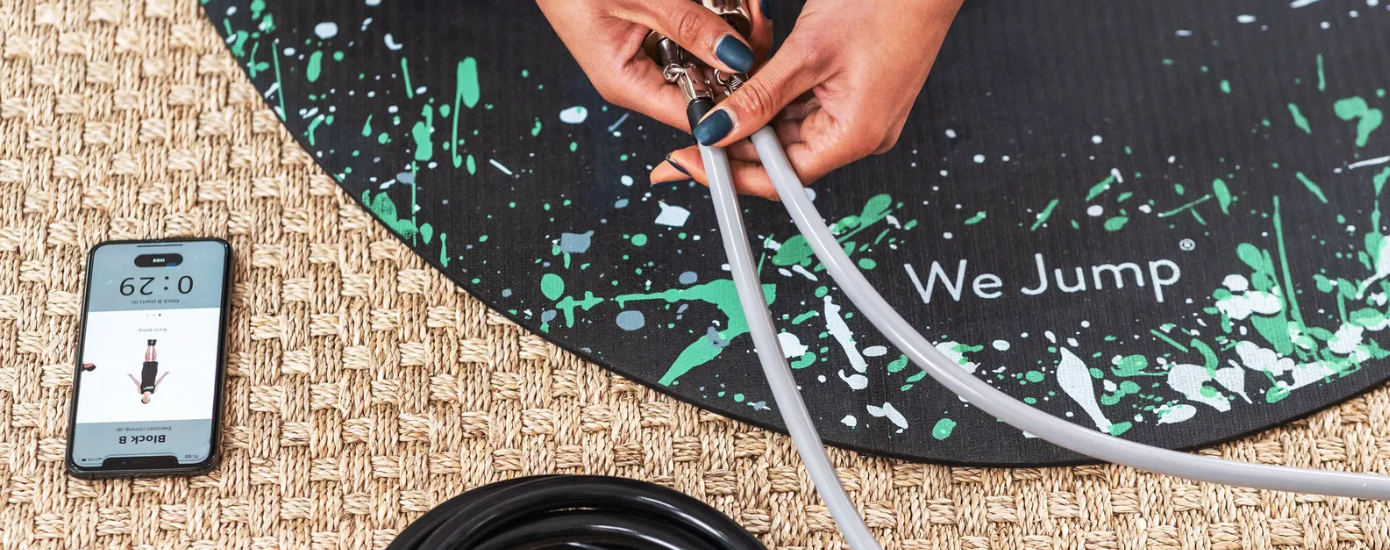
Crossrope Could Be the Fitness Investment That Finally Sticks
Crossrope asks for more money than a standard rope, so people want proof before they commit. This review looks at the gear, the app, the tradeoffs, and who will actually get value from it.
See More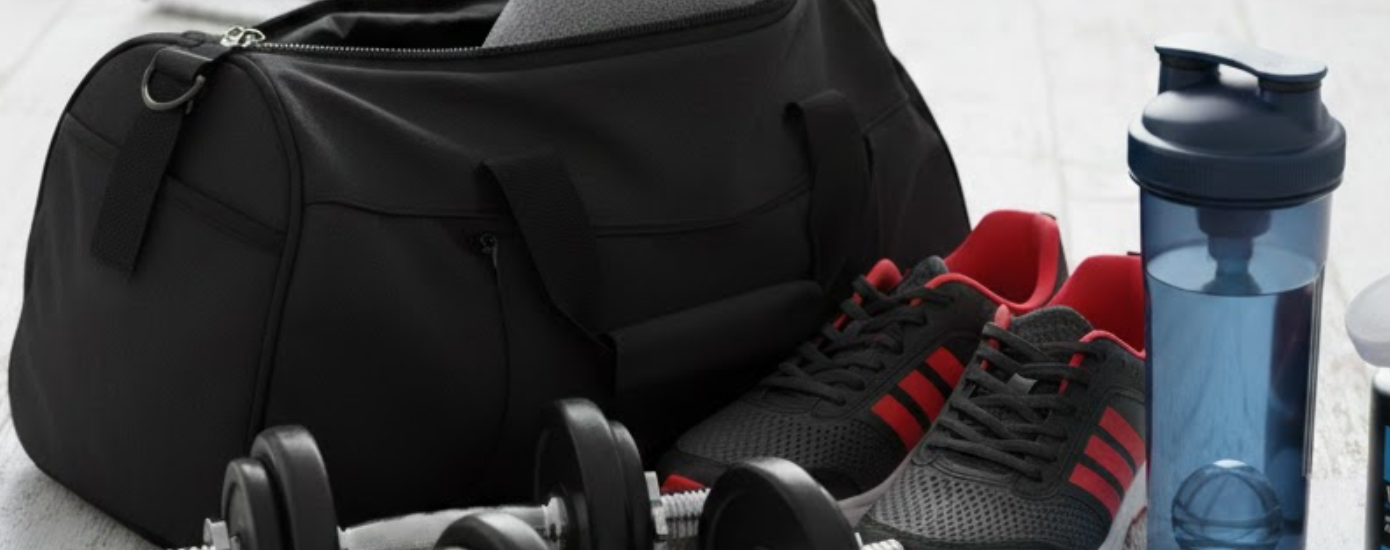
Is the Gym Essentials Bundle Worth Buying for Fitness Lovers
Carrying protein shakes and your phone at the gym can get tricky. The Gym Magnetic Bundle offers a simple solution to keep everything organized, hands-free, and easy to reach while you focus on your workout.
See More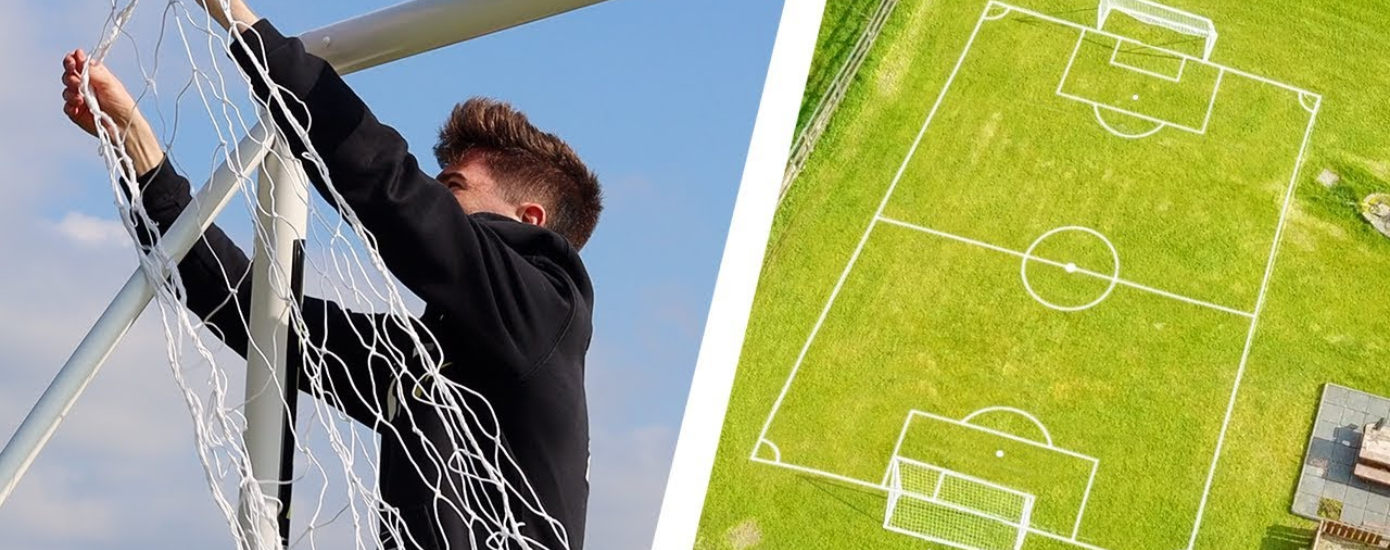
Turn Your Backyard into a Soccer Training Ground with SOCCER.COM
SOCCER.COM is an online store where you can find all the soccer-related items, from amazing jerseys for every team to essential training gear. If you`re looking to set up a home soccer system, you`re in the right place. In this blog, we`ve shortlisted the key items from their collection that can turn your backyard into the best soccer training ground.
See More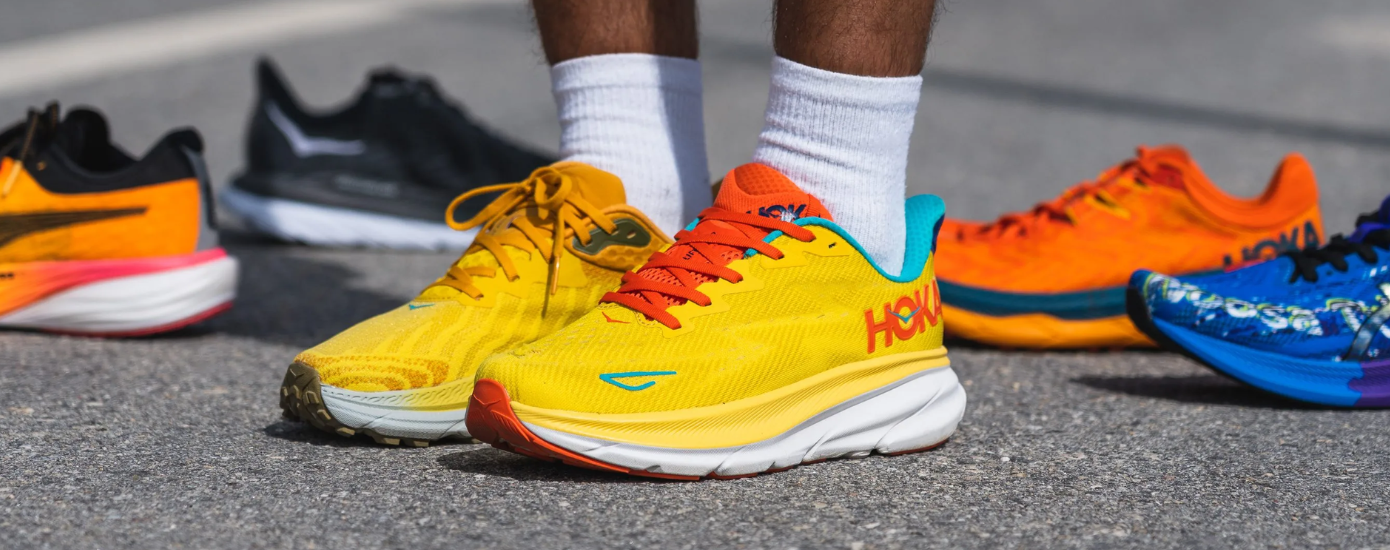
Why Peluva Is a Go-To Shoe Brand For Men?
When it comes to men’s shoes, most of us focus on looks but rarely on how our feet actually move. Peluva changes that by creating shoes that allow your toes to move freely. Each pair is crafted with high-quality material and unique designs.
See More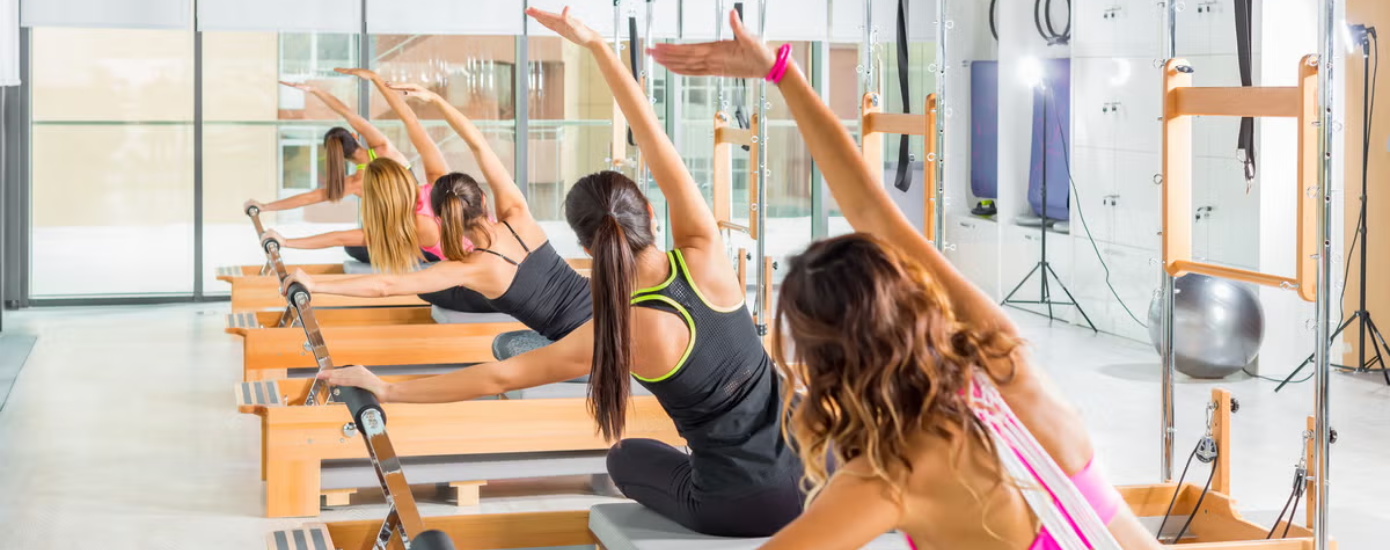
Why Pilates Is Taking Over The Fitness World
From celebrities to influencers to your friends, everyone is choosing pilates over regular exercise. But the question arises, why? Take a look at this blog and find out why everyone is choosing pilates and how it is beneficial for you.
See MoreRecent Blogs